ADHD and web accessibility
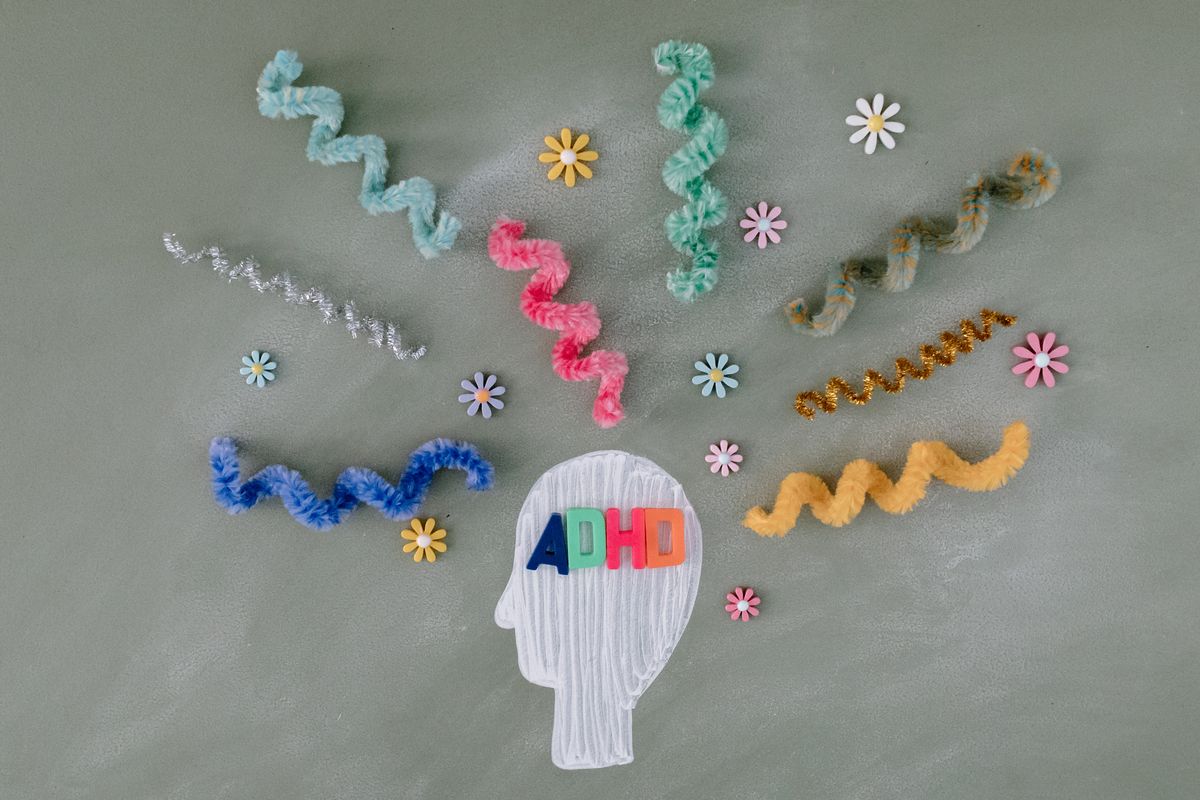
ADHD is diagnosed in both children and adults. What are the challenges people with ADHD face digitally and what can you do to accommodate them?
On this page
ADHD (attention deficit hyperactivity disorder or attention deficit hyperactivity disorder) is a disability that includes a group of certain symptoms:
- Problems with attention and concentration
- Hyperactivity (physical) or inner turmoil
- Impulsivity
- Controlling emotions and sensitivity
Challenges on the web and in apps
People with ADHD experience the following challenges:
- "busy" UX, making getting an overview difficult
- distractions by:
- notifications
- advertisements
- autoplaying media
- animations
- sessions that expire, making it necessary to restart an action
- long texts, making them lose attention or missing the point that is being made
What you can do
While there are challenges for users, as a developer, designer or content writer, for example, you can support them.. By keeping your website or app as simple as possible, you increase the chances of users being able to find what they are looking for. In addition, if you give users control over whether they want to receive notifications, for example, you reduce the chances of them getting distracted because they can make an active choice about when they want notifications or not. Also give a choice of the type of notification. Do they want a push notification? Or one by e-mail? Without or with sound?
It's also good to think about the processes on your website or in your app. Can you prevent data loss by offering the option to extend a session or have information stored temporarily?
What you will find is that these interventions not only make it more accessible for people with ADHD. Shorter texts in simple and understandable language is also very nice for people with dyslexia, for instance. And a website without too many ads or notifications will be perceived as less irritating by a large proportion of visitors. Furthermore, every user will appreciate having control over their experience through all kinds of settings and options that can be used. Consider, for instance, the many fans of dark mode options.
It becomes more inclusive and accessible to a large group of people, which makes investing in accessibility only more interesting. At Eleven Ways, we are happy to help your organization get started! We can do that through an audit or trainings and workshops. Contact us with no obligation to discuss how we can help.
Latest articles
-
Help! I'm getting criticism about my website's accessibility. Now what?
In late August 2026, usability experts said that the website of the Federal Agency of the Debt, where citizens can buy government bonds, is a textbook example of how not to build a website. That criticism wasn't new: three years earlier, the same editorial team had already said the site was outdated. The Agency promised at the time to work on it. Since then, nothing has changed, and there aren't even plans anymore, because the budget is lacking.
-
Bingo! Do you recognize these excuses about accessibility?
"Someone who is blind doesn't need our website anyway, right?" Anyone who has ever worked on a web project has definitely heard this sentence (or a variant of it) before. Usually in a meeting, usually right at the moment accessibility finally made it onto the agenda.

Popular articles
- Help! I'm getting criticism about my website's accessibility. Now what?
- Accessibility Statement Generator
- Tooltips that work for everyone
- Star raters are more challenging to make accessible than you might think
- Fixing digital accessibility issues with the press of a button: too good to be true?
- Combined 50 years of accessibility expertise: an expert interview
How can we help your organisation?
-
Mail your question : info@elevenways.be -
Call us : +32 (0)78 079 111